CV builder

Build an ATS-friendly CV for remote jobs

Choose one of eight templates, add your experience, and check your CV against any job description before you apply. Then export it to PDF or Word.

Part of Pro, $19.99 a month. Cancel any time.

A professional working on his CV at a laptop
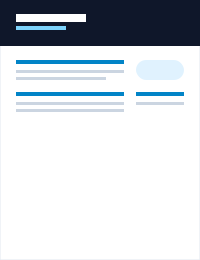
A CV made with the Modern template
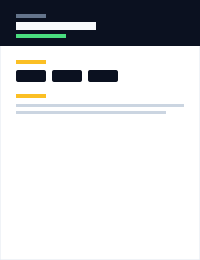
A CV made with the Sidebar template
88Keyword matchagainst the job you paste

What you get

Everything you need to apply with a CV that fits

Built for people applying to many remote roles: match the job, look clean, and send it in the format the employer asks for.

Eight ATS-friendly templates

Clean layouts that applicant tracking systems read well. Switch templates any time without retyping.

A keyword check for each job

Paste a job description to get a score and the terms your CV is missing.

Before

Handled customer emails.

After (example)

Answered 60+ customer emails a day and kept satisfaction above 95%.

AI help you can edit

Draft a summary and strengthen weak bullet points. You decide what stays.

PDF
DOCX

PDF and Word export

A clean PDF for most applications, a Word file when a form asks for one.

Unlimited CVs

Keep one version for each type of role instead of rewriting a single document.

Cover letters included

Pro

The same plan writes a tailored cover letter for every application.

Templates

Eight layouts, one goal: be read

Every template keeps a clean structure that applicant tracking systems can parse. Pick the look that fits the role.
Modern CV template preview
ModernA bold header band and clean sections. A safe default for most roles.
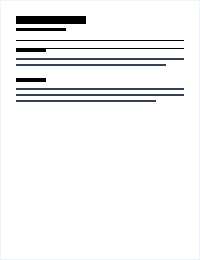
Classic CV template preview
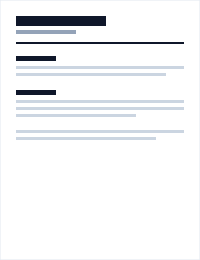
ClassicA traditional single column. Familiar to recruiters in every industry.
Compact ATS CV template preview
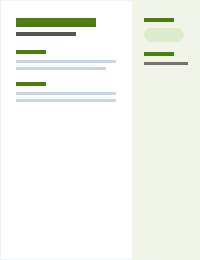
Compact ATSA plain, tight layout that applicant tracking systems read easily.
Sidebar CV template preview
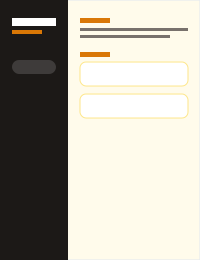
SidebarSkills and contact details on the side, experience in the main column.
Technical CV template preview
TechnicalPuts skills and projects up front. Built for engineering and data roles.
Executive CV template preview
ExecutiveRestrained and formal, with room for a longer career story.
Timeline CV template preview
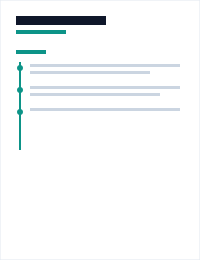
TimelineShows your path as a timeline. Good for steady progression.
Creative CV template preview
CreativeMore colour for design, marketing and content roles.

How it works

From blank page to finished CV

  1. 1

    Add your details

    Fill in your contact details, experience, education, skills and links. Add a short summary, or ask the AI helper for a first draft.

  2. 2

    Choose a template

    Switch templates at any time without retyping. Add a profile photo if the role or country expects one.

  3. 3

    Check it against a job

    Paste a job description and see which keywords your CV covers and which it misses, then tighten it up.

  4. 4

    Export and apply

    Download a PDF for most applications or a Word file when a form asks for one. Keep one CV per role.

Advice

How to write a CV for a remote job

Remote employers read many similar applications. These six habits make yours easier to trust and quicker to scan.


Six simple habitsthat help a remote CV stand out
  1. Show that you work well without supervision

    Give one or two examples where you planned your own work, hit a deadline on your own, or ran a project across time zones.

  2. Put numbers next to results

    Tickets closed, revenue grown, time saved. A number turns a duty into a result and is easy to scan.

  3. Name the tools you use to work remotely

    Slack, Notion, Zoom, Jira, GitHub, or whatever your field uses. Recruiters and ATS filters both look for them.

  4. Say where and when you can work

    A short line with your country and the hours you are available answers a question employers always have.

  5. Match the job, honestly

    Reuse the words from the posting where they describe something you really did. Do not add skills you do not have.

  6. Keep the structure simple

    One or two pages, a clear heading for each section, and no tables or images that hide text from parsers.

Pricing

One plan, both tools

Searching and tracking jobs stays free. The CV builder and the cover letter writer come with Pro.

Included in Pro

$19.99 per month

Or $199.99 a year, about 17% less. Cancel any time. See the refund policy.

  • CV builder with 8 templates
  • PDF and Word export
  • Keyword check against any job
  • Unlimited AI cover letters
A smiling professional at work

FAQ

Questions about the CV builder

Is the CV builder free?
Searching and tracking jobs on Apply Remote is free. The CV builder is part of the Pro plan at $19.99 a month, or $199.99 a year. You can cancel any time, and our refund policy explains the rest.
Will my CV pass an ATS?
No tool can promise that, because every employer configures its system differently. The templates use a simple structure that parsers read well, and the keyword check helps you cover the terms a job asks for.
What is the difference between a CV and a resume?
In the UK, Europe and many other regions, "CV" is the normal word for the document you send with a job application. In the US and Canada the same document is usually called a resume. The builder works for both.
Can I download my CV as a Word file?
Yes. You can export every CV as a PDF or as a Word (.docx) file.
Do you write the CV for me?
The AI helper can draft a summary and improve bullet points from what you enter. You review and edit everything, because you are the one who has to stand behind it in an interview.
What happens to my data?
Your CV belongs to you. Read how we handle personal data in our privacy policy.

Ready to build a CV that fits the job?

Create your account, pick a template, and check your CV against the remote role you want.

Your CV is readyATS score, ready to send